5. Dual Monitor Compact Setup
Even small desks can support a dual monitor setup if arranged carefully. This configuration is helpful for people who work with multiple applications at the same time.
Preparation involves measuring the desk width and ensuring there is enough space for two screens. Instead of using standard monitor stands, consider a monitor arm mount. Monitor arms attach to the back of the desk and hold the screens above the surface.
Materials required include two monitors, a dual monitor arm, cable management clips, and a large desk mat.
Mount the monitors side by side and adjust them to eye level. Because the monitors are lifted by the arm, the desk surface remains free for other items such as the keyboard, mouse, and notebook.
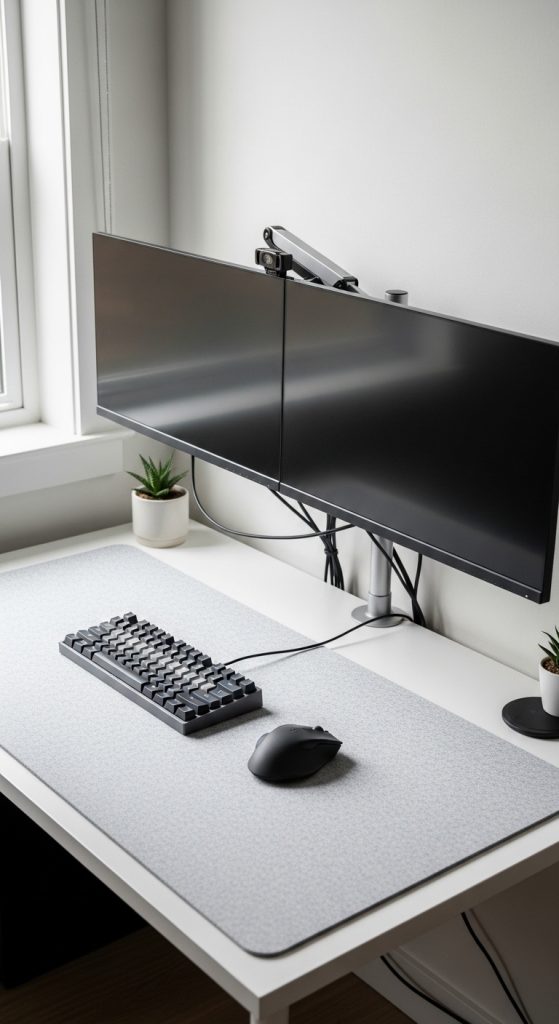
Proper cable management is important in this setup. Use cable sleeves or clips to route wires along the back of the desk.
A compact dual monitor setup improves multitasking and productivity while still maintaining a clean workspace.